
Epic Games is now on GameNode
You can now connect your Epic Games account to GameNode. Once it's connected, you can bring the games you own on Epic into your GameNode library and keep your playtime up to date, without adding anything by hand.
A quick note on the screenshots below: they come from the real GameNode web app, but with sample data. The Epic account name, the code and the 16 games in the library are examples, not a real player's account.
Connecting your account
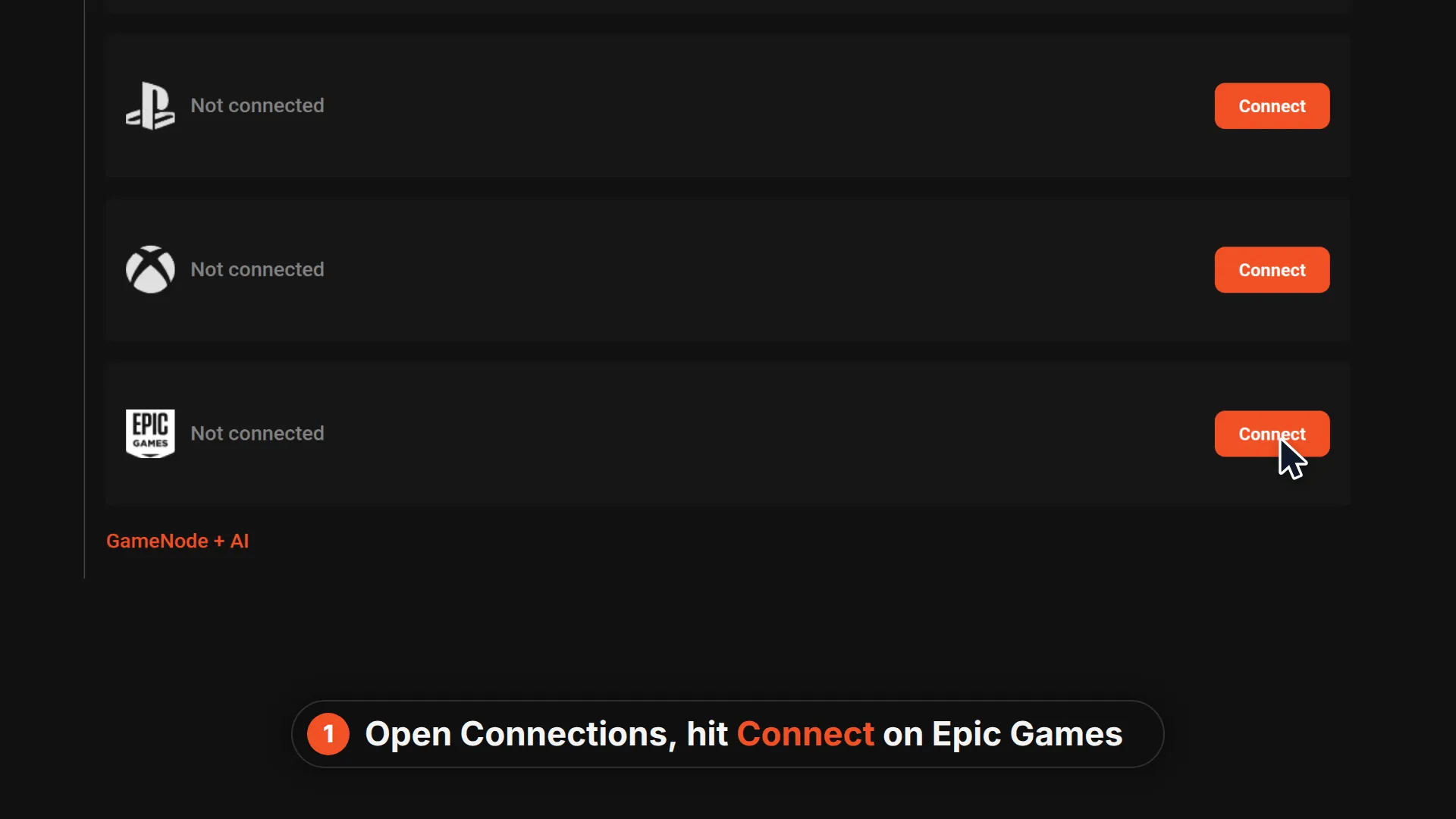
Open Preferences and go to Connections. Epic Games now sits next to the other platforms. Hit Connect to get started.
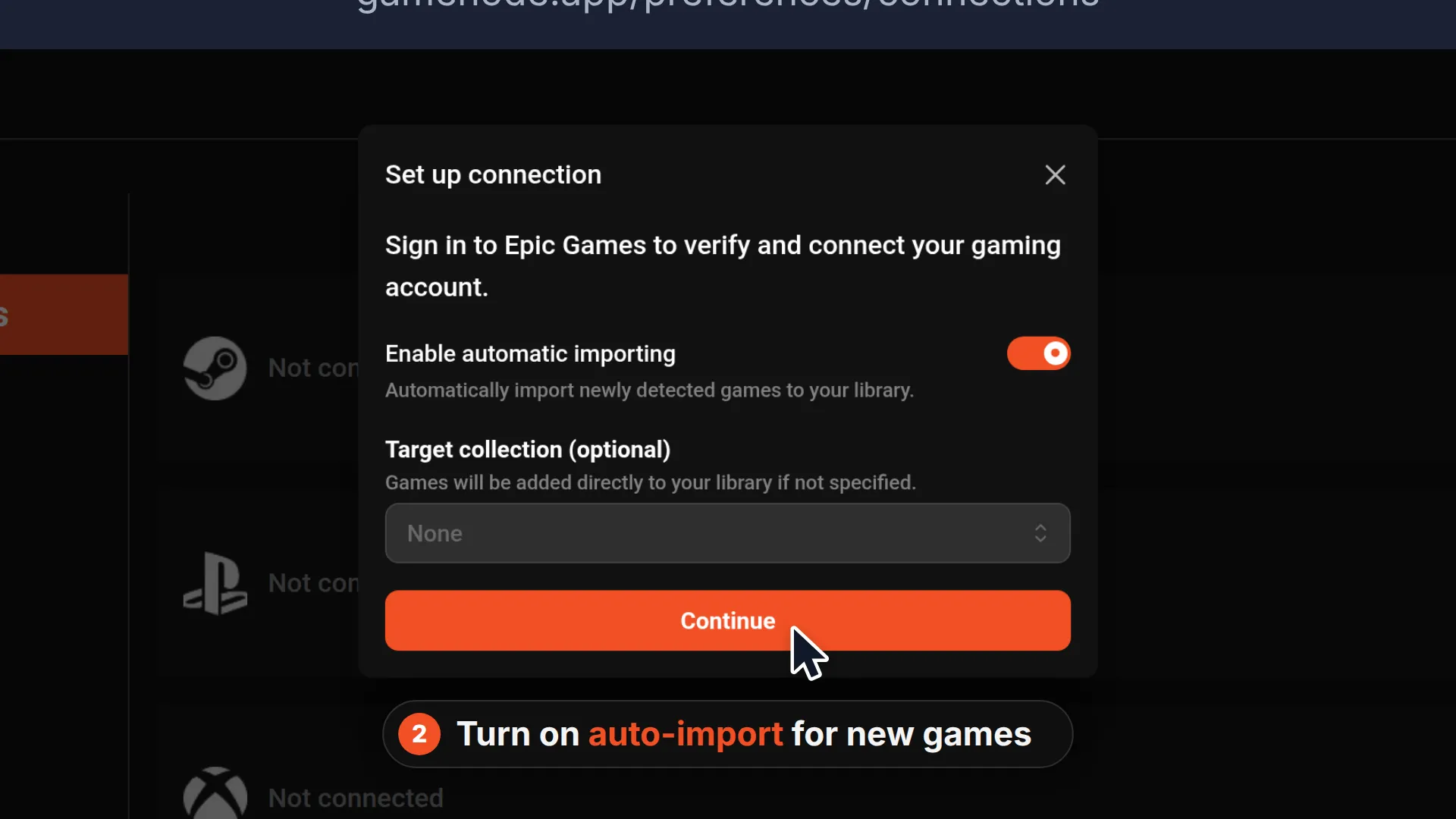
First you choose how the connection should behave. You can turn on automatic importing, so newly detected games are added to your library for you, and you can optionally pick a collection for them to go to. If you don't pick one, games are added straight to your library.
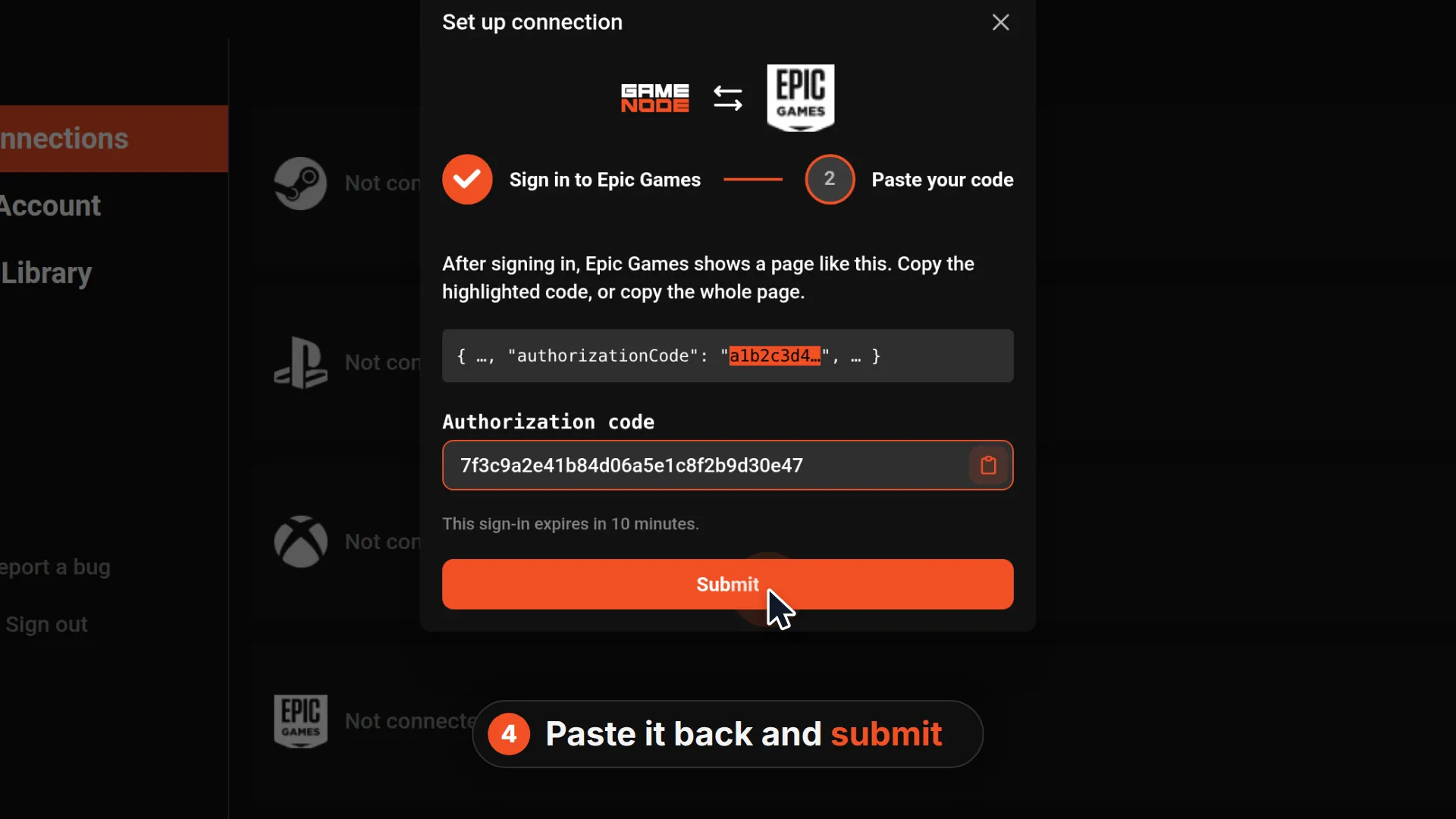
Then you sign in to Epic Games. After you sign in, Epic shows a page with a one-time authorization code.
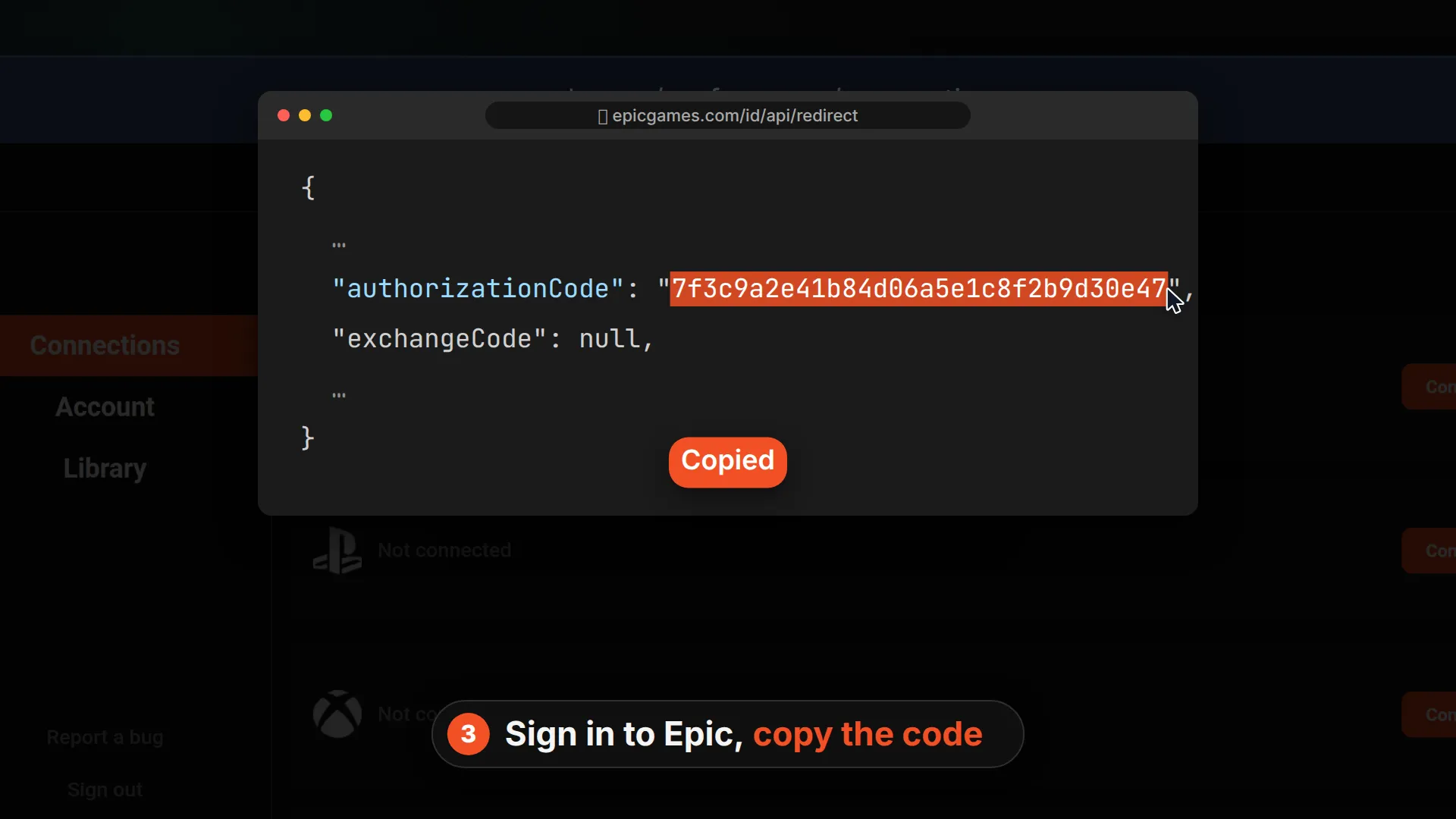
Copy that code, or copy the whole page, and paste it back into GameNode. The sign-in expires after 10 minutes, so do this part right away.
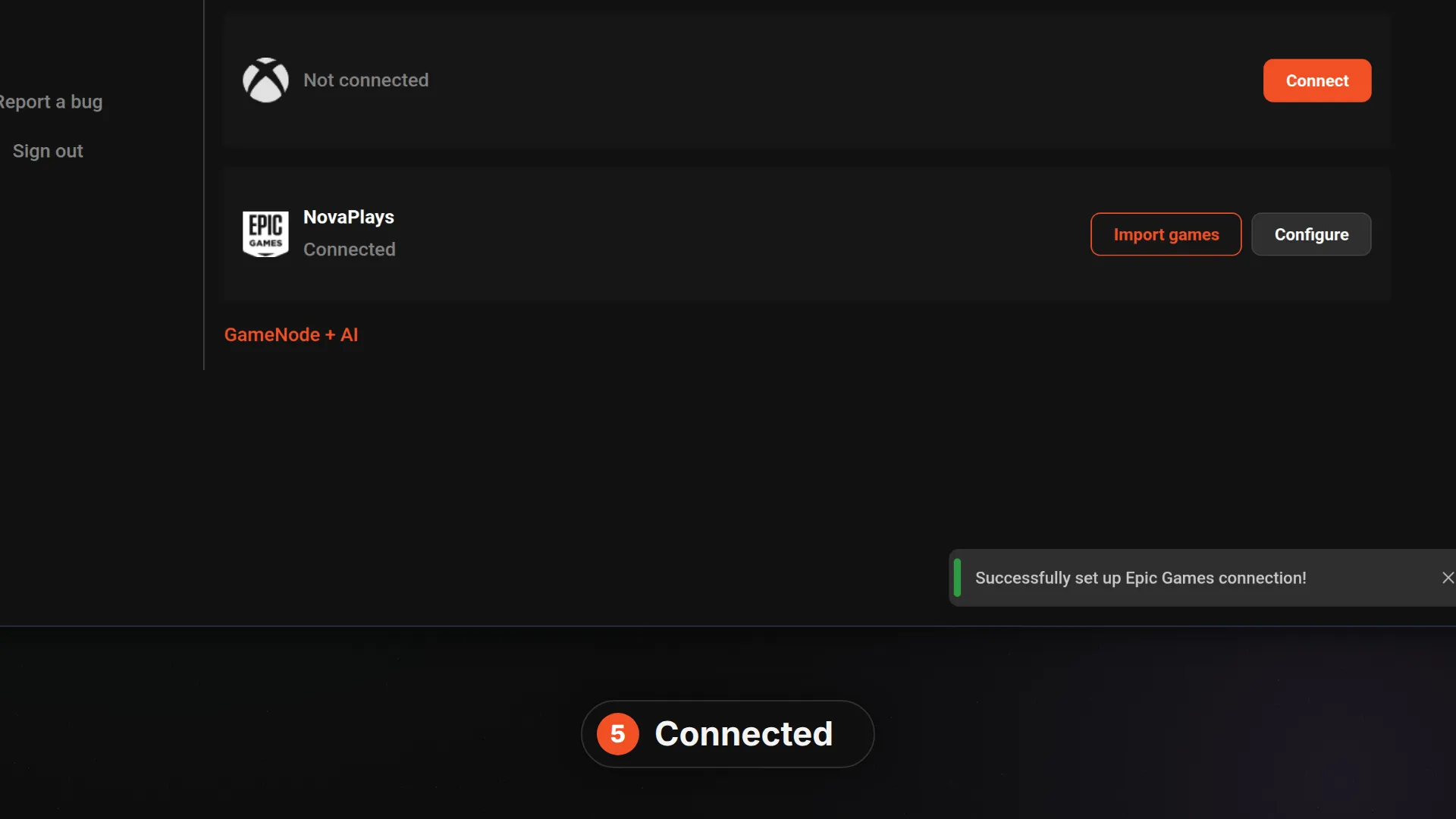
That's all it takes. GameNode shows your Epic account as connected, with buttons to import games and configure the connection.
Importing your library
Use Import games to see what GameNode found in your Epic library. You can pick games one by one or import the whole queue at once, optionally adding them to collections.
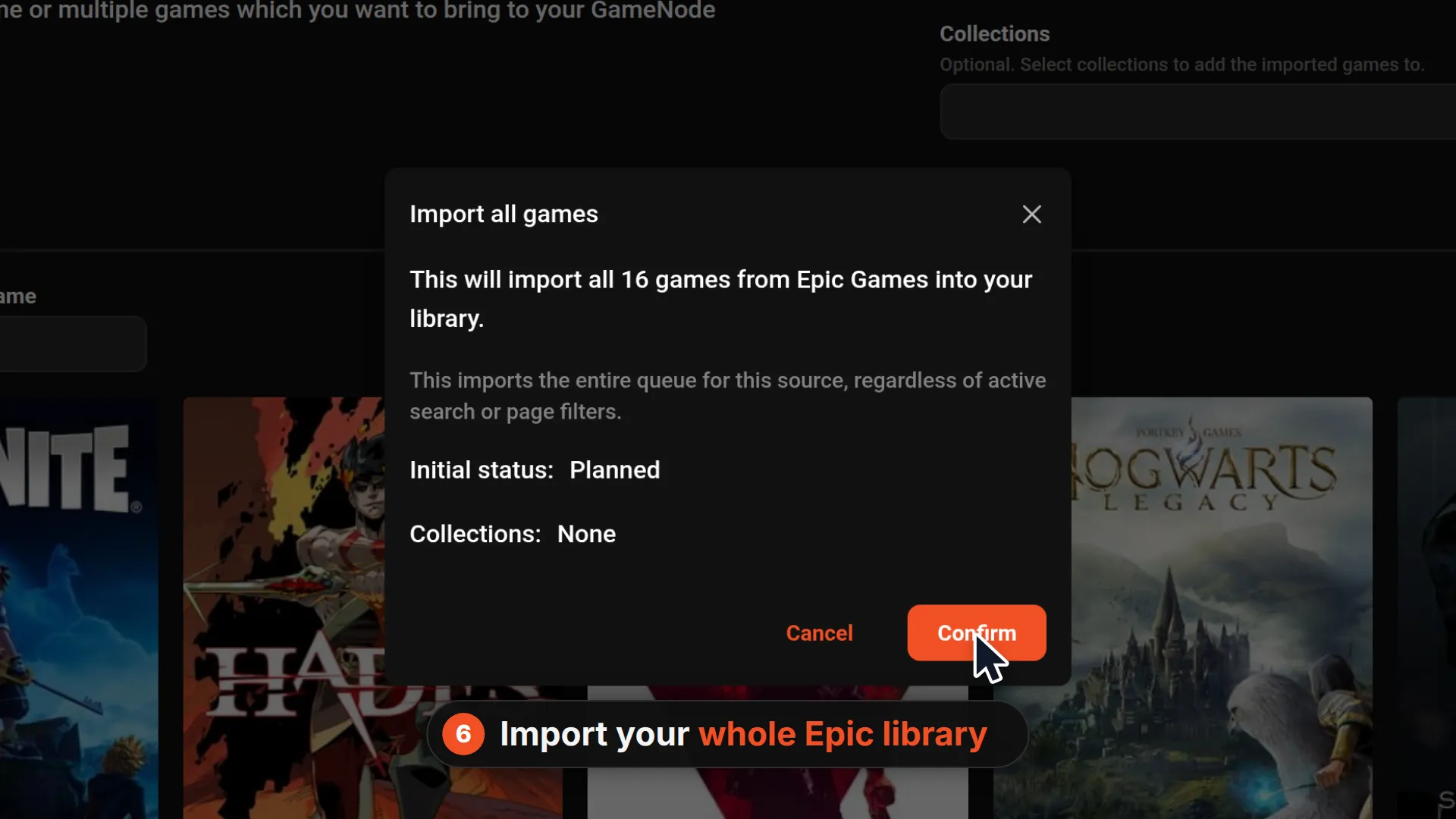
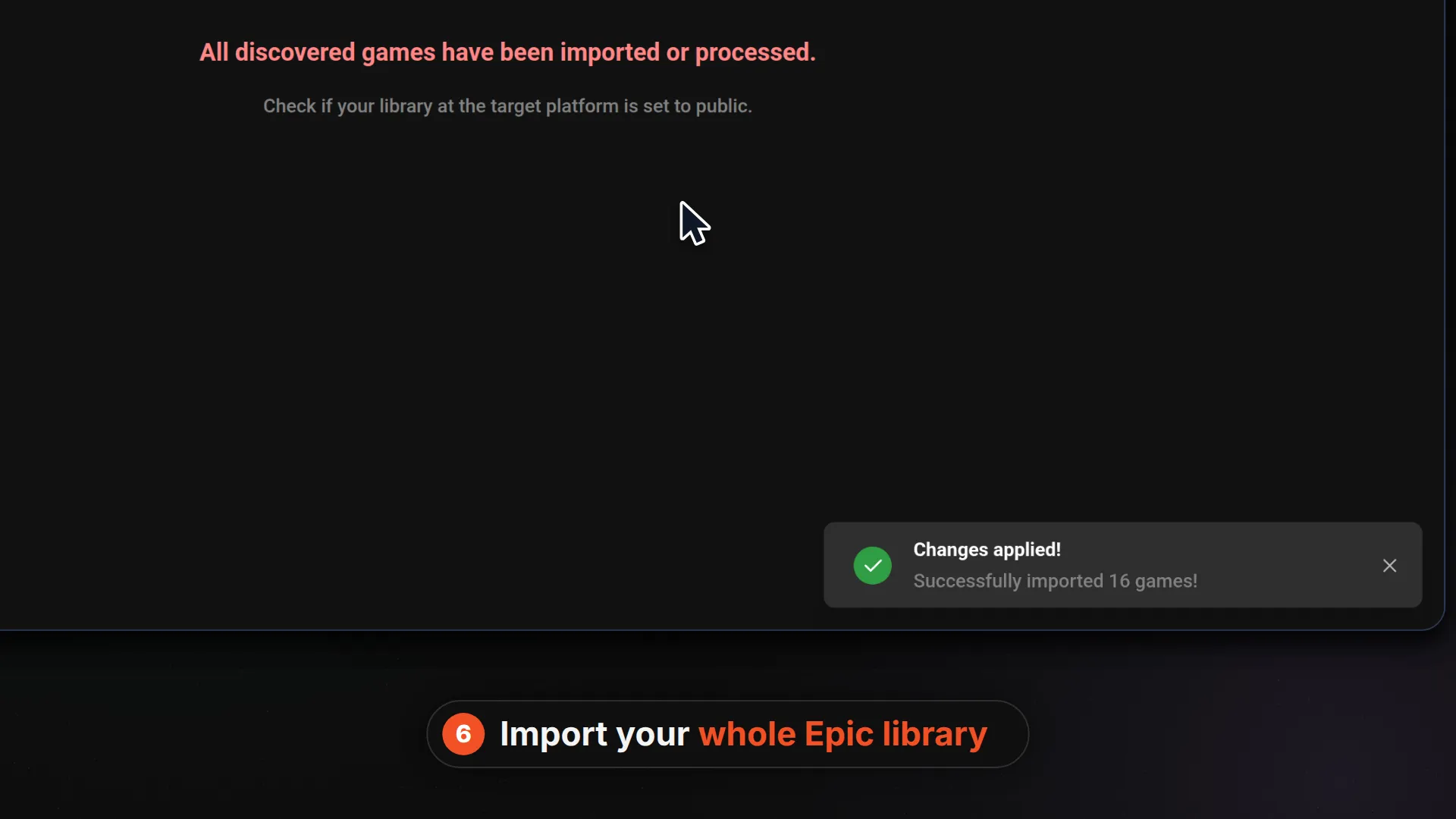
Games imported from Epic are added on the PC platform. If a game comes with add-ons in your Epic library, it is listed only once. Games GameNode can't match to its catalog yet are not listed for import.
What happens after you connect
- Library import: bring in the games you own on Epic.
- Auto-import: if you turned it on, new games land in your library on their own.
- Playtime sync: the hours you've played come straight from Epic.
- Re-login alerts: if Epic needs you to sign in again, GameNode notifies you so you can reconnect.
Getting started
Head to gamenode.app, then Preferences and Connections, and connect Epic Games. Give it a try and let us know what you think!
Recent blog posts
Tags