
Talk to GameNode from your AI assistant
You can now use GameNode by simply talking to your AI assistant. We just launched the GameNode MCP server, which connects apps like Claude, ChatGPT and Codex to your GameNode account. Ask for a game, add it to your library, write a review or share a post, all from the chat you already have open.
What is MCP?
MCP (Model Context Protocol) is an open standard that lets AI assistants use tools from other services. Once you connect GameNode, your assistant can look things up in our catalog and, if you allow it, make changes to your account for you. You don't need to learn any commands. Just ask in plain language.
What your assistant can do
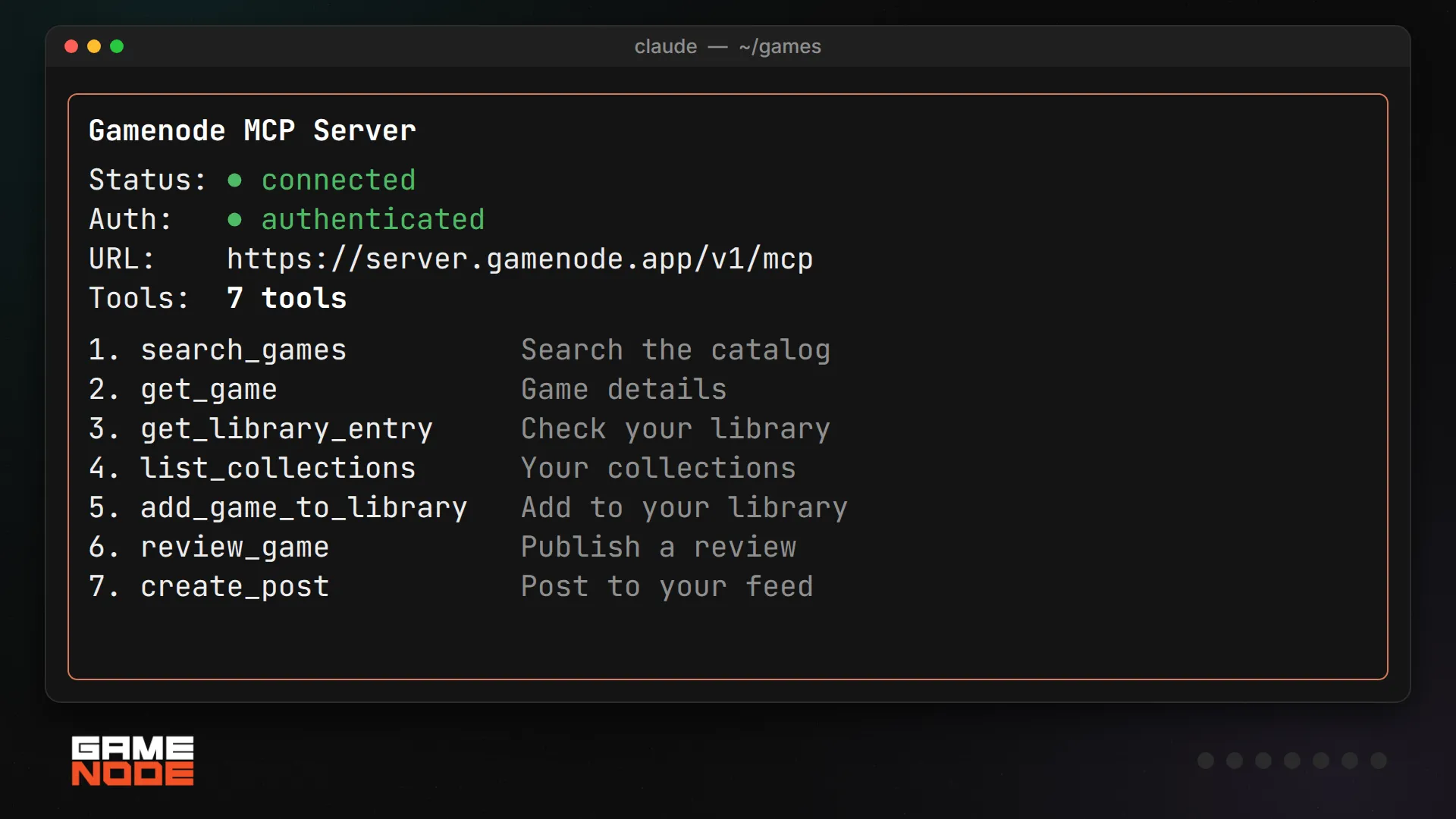
The server comes with seven tools to start:
- search_games: search the GameNode catalog.
- get_game: get the details of a game, like its summary, genres and platforms.
- get_library_entry: check if a game is already in your library.
- list_collections: see your collections.
- add_game_to_library: add a game to your library with a status and platform.
- review_game: publish a review with a rating.
- create_post: share a post on your feed.
How it looks in practice
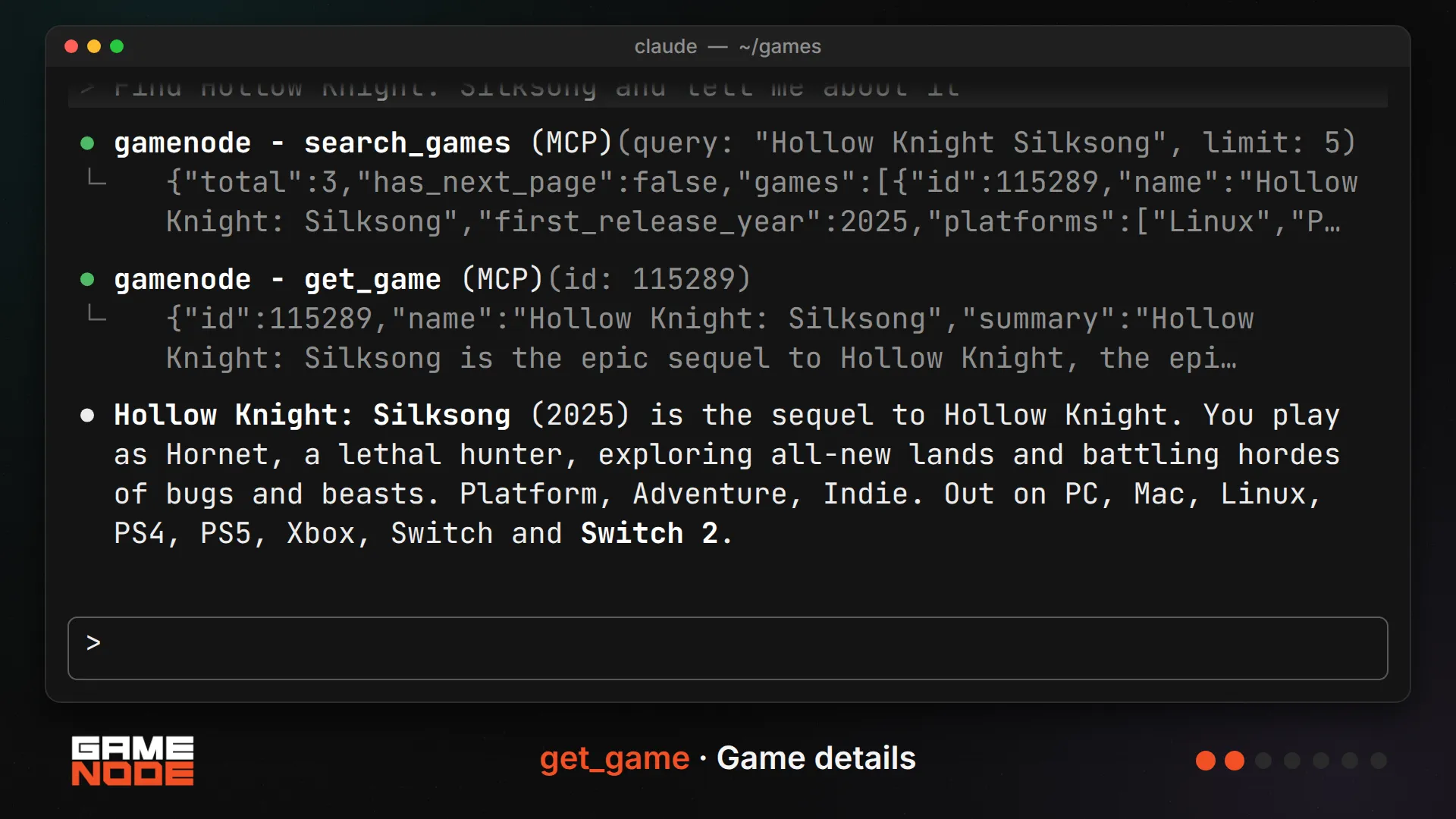
Here is a short session in Claude Code. We asked it to find Hollow Knight: Silksong and tell us about it. It searched the catalog, opened the game page and gave us a quick summary, including every platform the game is out on.
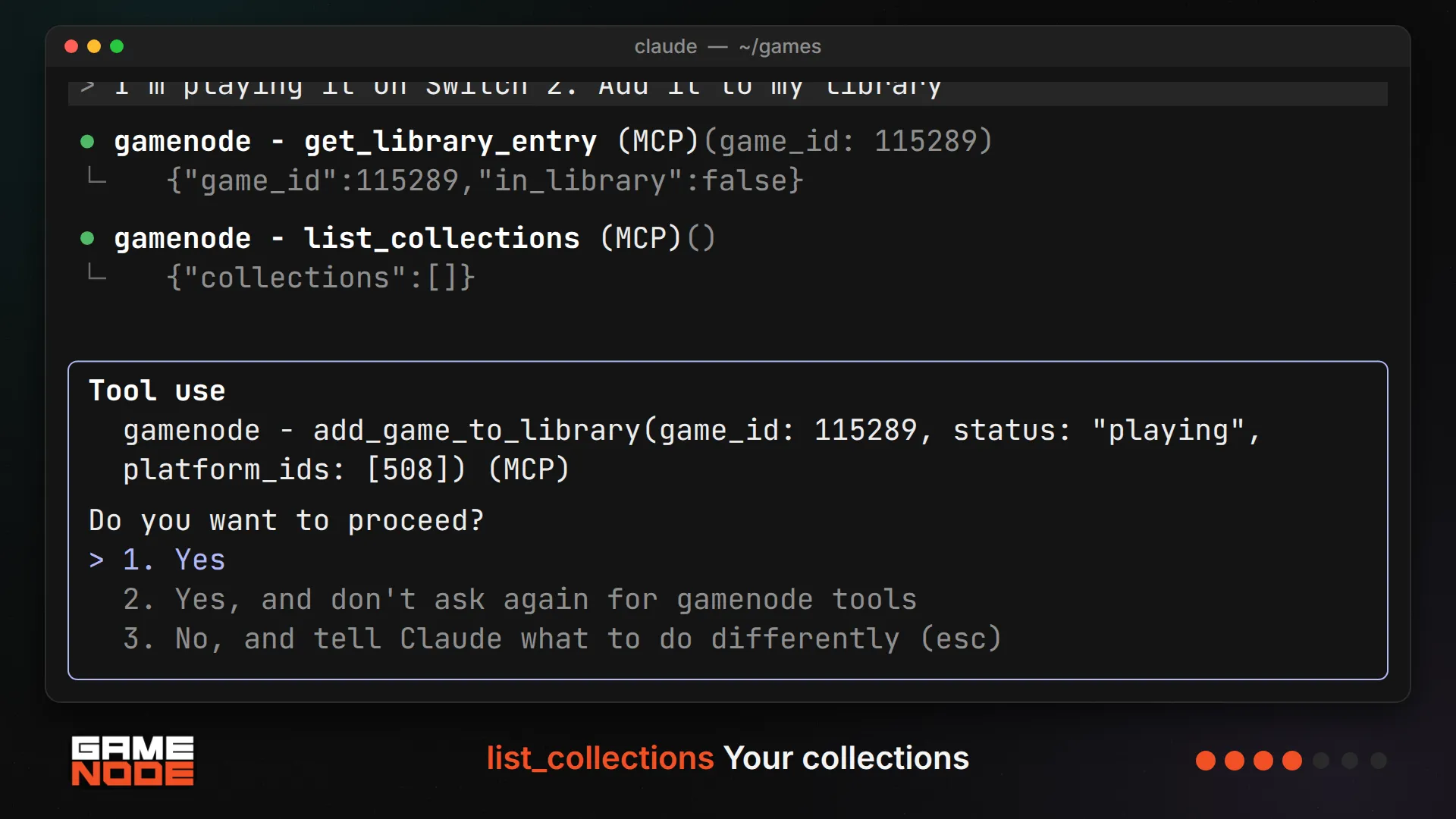
Then we said we were playing it on Switch 2 and asked to add it to our library. Before changing anything, the assistant checked whether the game was already there and looked at our collections. When it was time to actually write to the account, Claude Code asked for permission first.
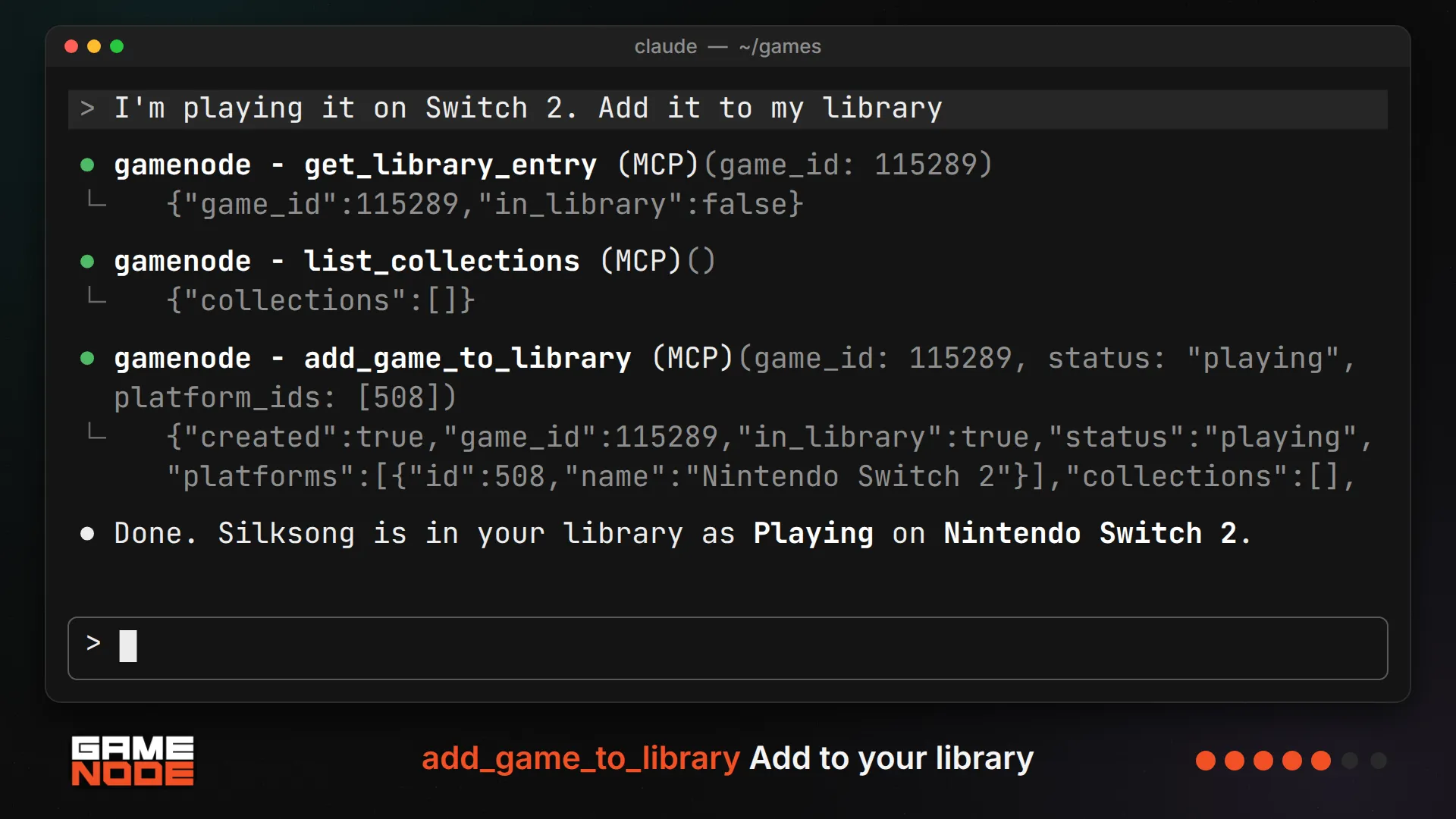
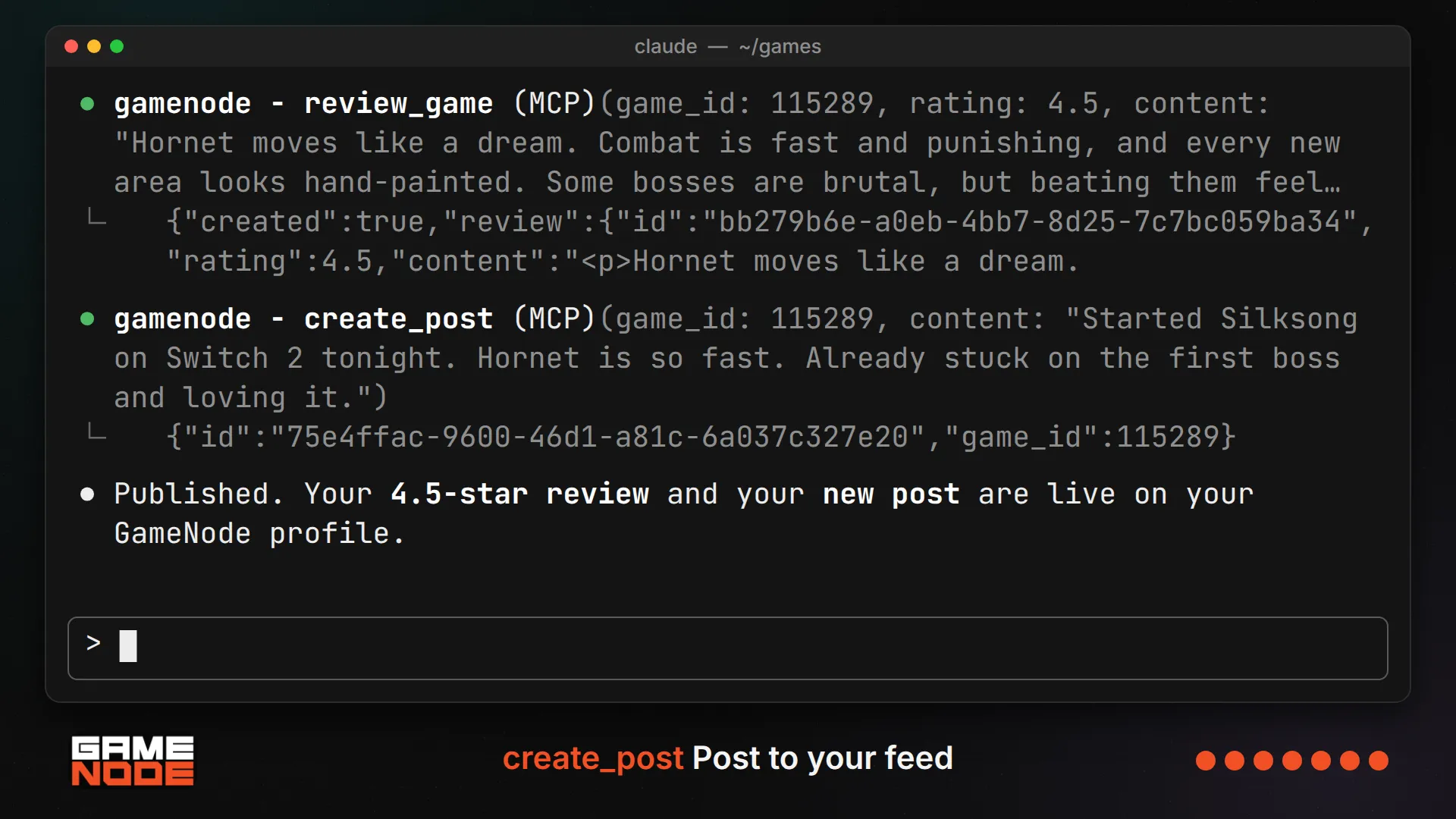
Finally, we gave it a few thoughts about the game. It turned them into a 4.5 star review and a short post, and both went live on our GameNode profile right away.
You stay in control
Connecting an assistant uses the same GameNode sign in you already know. You'll see which app is asking for access, whether its domain is verified, and exactly what it wants to do. You can uncheck any permission you don't want to give, so an assistant can have read only access to your library without being able to post for you. Most assistants will also ask you to confirm before they make a change.
Getting started
If you use Claude Code, one command is all it takes:
claude mcp add --transport http gamenode https://server.gamenode.app/v1/mcpFor Claude, ChatGPT, Codex and other apps, our setup guide walks you through each one: gamenode.app/mcp.
This is just the first version, and we'd love to hear what you want your assistant to do next. Give it a try and let us know what you think!
Recent blog posts
Tags