
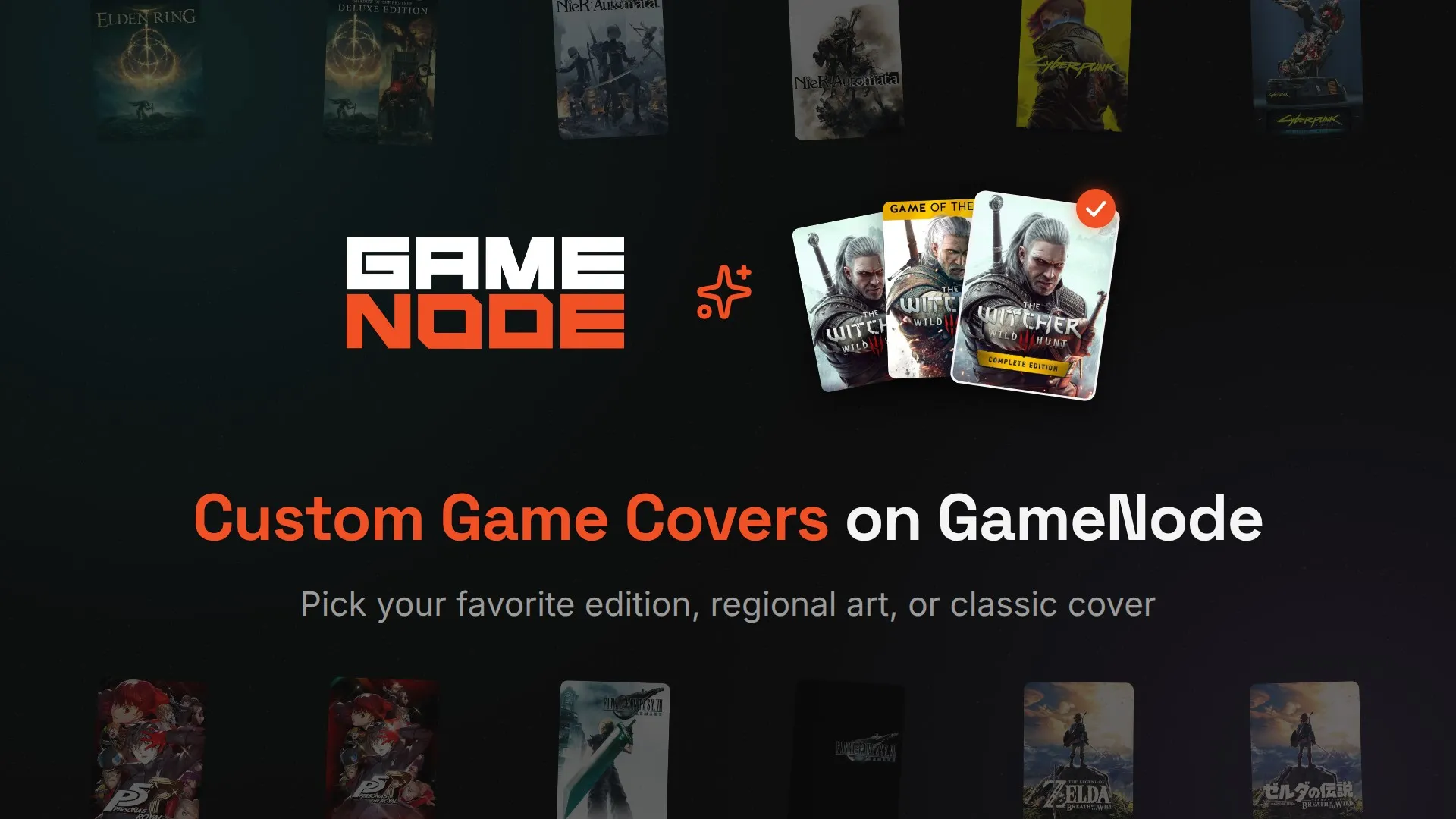
Pick your cover: custom game covers are live
Also available in
Some covers are part of the memory. The Japanese box for NieR: Automata, the Game of the Year edition of The Witcher 3, that old historical artwork you saw once in a magazine. GameNode has always shown the same default IGDB cover for every game. Starting today, you can choose the one that feels right to you.
One game, several covers
We now pull localized covers, edition covers, and alternative or historical artwork from IGDB into one list per game. Open any game page, hit Change cover, and pick from what is available: the default cover, editions, regional art, alternative and historical covers. The default is always there, so you can go back whenever you want.
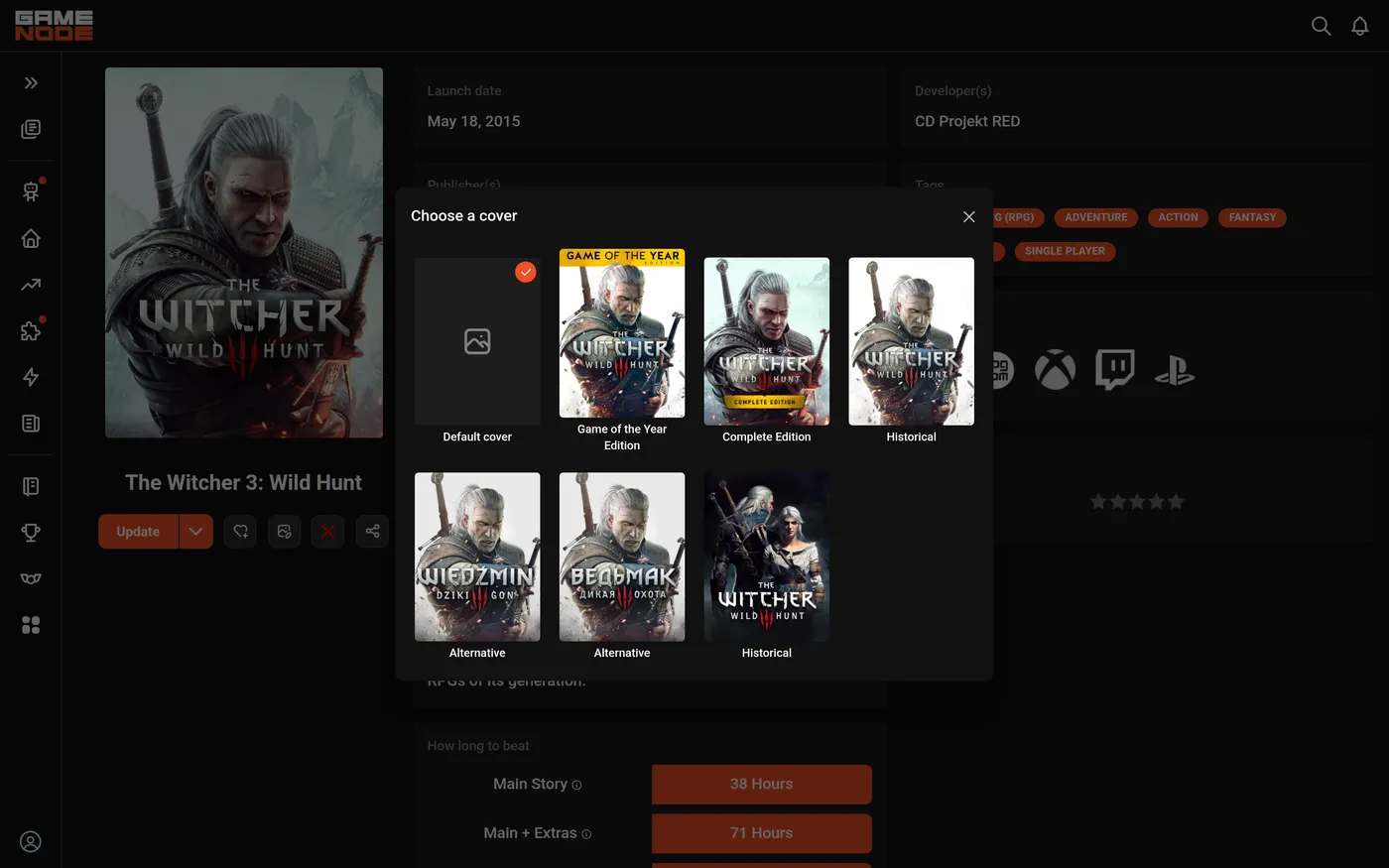
No uploads, no image hosting, and no supporter paywall. If IGDB has it, it is one click away. The change appears right away, with no cache to wait for and no page reload.
It belongs to you, not to the entry
A cover choice is independent from your library entry. You can pick a cover for a game you have not added yet, remove the game from your library and add it back later, and the choice will still be there. Editing the entry does not touch it either. If you want to change the cover while editing, the Change cover button is in the entry form too.
What other people see
Covers are social now. When someone visits your profile, the games you customized show up with the covers you picked. Your taste, your shelf.
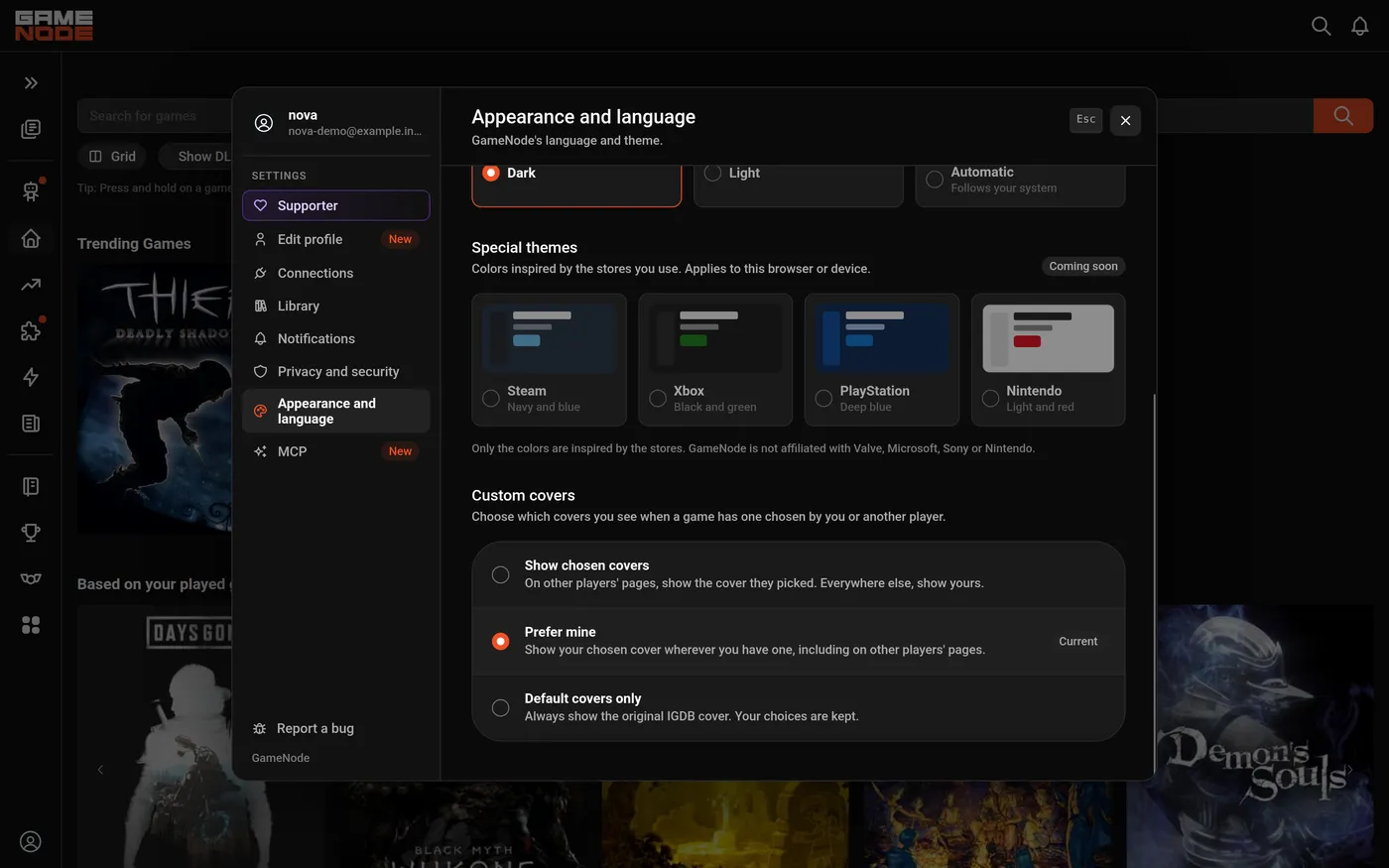
And because taste is personal, Appearance and language now has three display modes:
- Show chosen covers — on other players' pages, you see the cover they picked; everywhere else, you see yours. This is the default.
- Prefer mine — your choice wins wherever you have one, including on other players' pages.
- Default covers only — always the original IGDB cover. Your choices are kept for later.
Finding them in your library
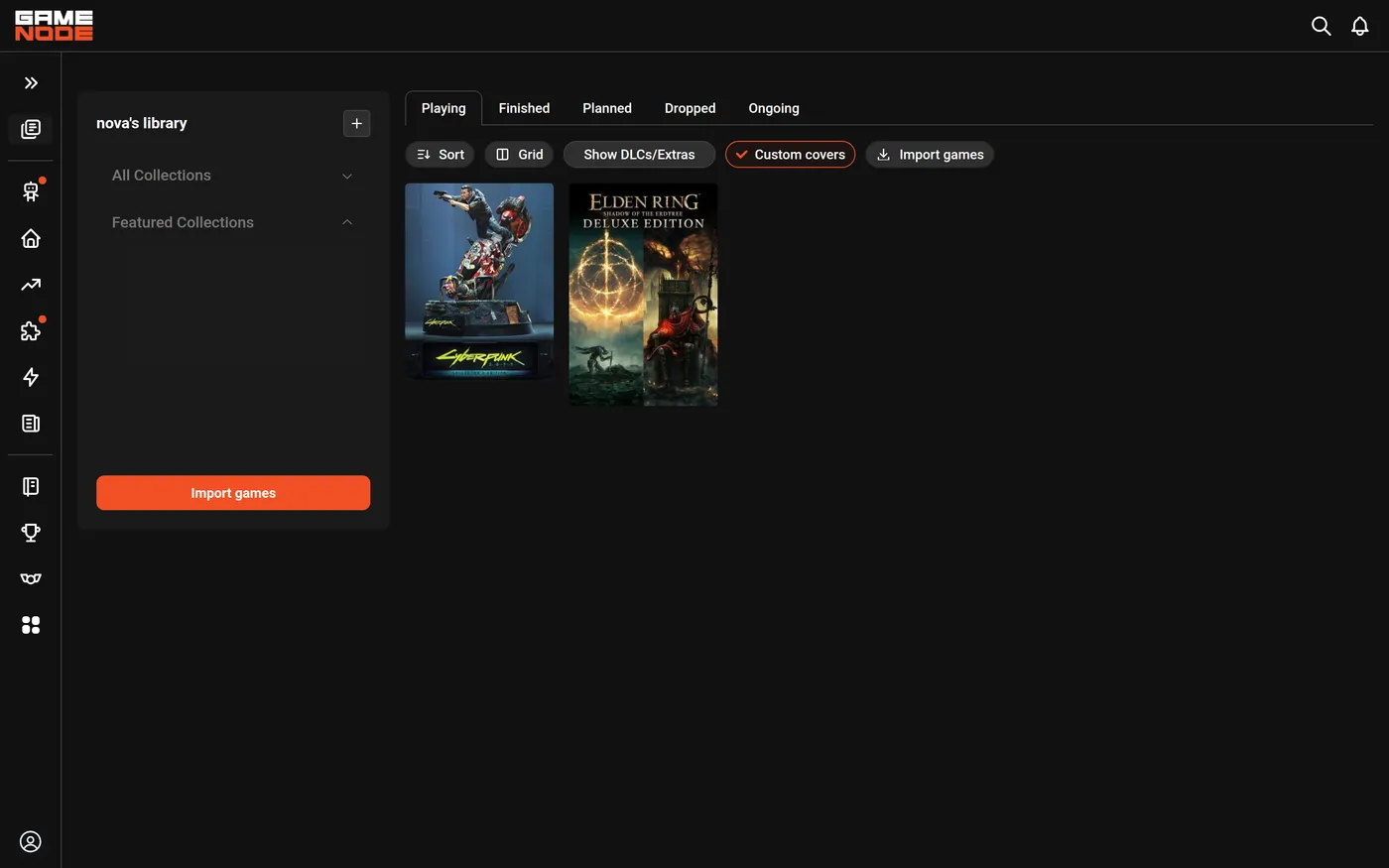
There is a new Custom covers filter in your library, favorites and collections. Turn it on and you will only see the games you have customized. Handy when you want to review your picks or put a shelf together.
Small feature, long overdue
This is the kind of thing we wanted for our own libraries. It is free for everyone.
Try it on a game you love and tell us which cover you picked. We are curious.
Recent blog posts
Tags